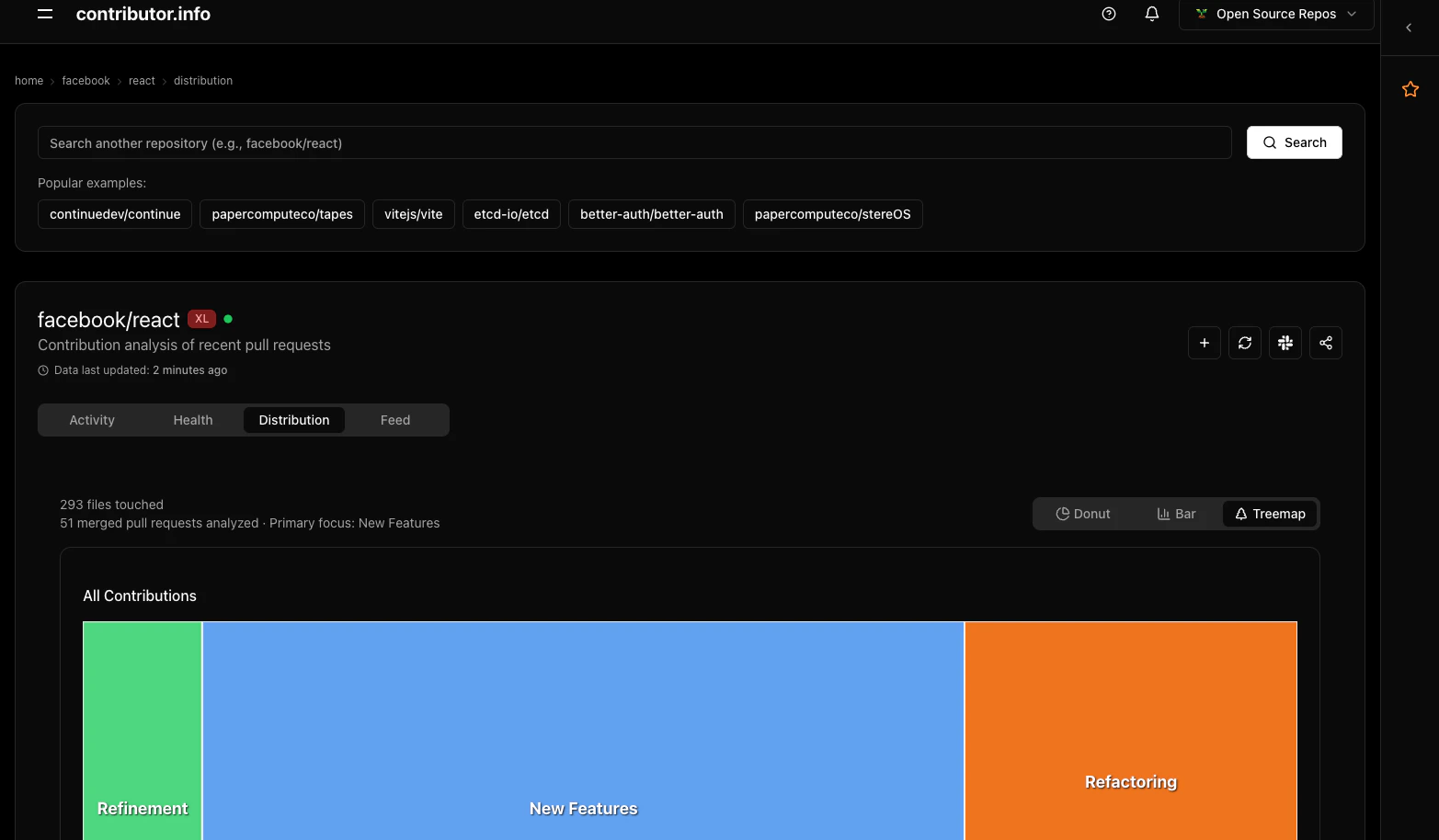
Distribution Charts give you a two-dimensional view of your repository’s contribution patterns — what languages contributors work in, and whether that work produces high or low impact. Together these visualizations surface concentration risks and workflow tendencies that raw PR counts miss.
Distribution tab showing language treemap and contribution quadrants

Visualizations

Language Treemap

The Language Treemap renders each programming language as a rectangle. Rectangle size reflects contribution volume — the more PRs and lines changed in a language, the larger its rectangle. Color identifies the language at a glance. How to read it:
  • A single dominant rectangle means most contribution activity is concentrated in one language
  • Many similarly-sized rectangles indicate a polyglot codebase with distributed effort
  • Click any rectangle to filter other views to that language
What it shows per language:
  • Number of pull requests touching files in that language
  • Total lines changed across those PRs
Example: A repository with a large TypeScript rectangle and a small Python rectangle tells you that contributors are almost entirely working in the frontend. If Python houses your data pipeline, that concentration is worth noting — you may have a knowledge gap.
TypeScript  ████████████████████  78%  (312 PRs, 24,800 lines)
Python      ████                  14%  ( 56 PRs,  3,200 lines)
SQL         ██                     8%  ( 32 PRs,    900 lines)

Contribution Quadrants

The Quadrant chart plots each pull request by two dimensions: impact (x-axis) and effort (y-axis). This separates the type of work from the volume of work, revealing whether contributors are spending time where it matters most.
QuadrantLabelDescription
🟢 Top-rightHigh Impact, High EffortMajor features, significant rewrites, architectural work
🟡 Bottom-rightHigh Impact, Low EffortBug fixes, targeted improvements, small but meaningful changes
🔵 Top-leftLow Impact, High EffortDocumentation, tests, refactoring, infrastructure
⚪ Bottom-leftLow Impact, Low EffortMinor tweaks, typo fixes, dependency bumps
How to read it:
  • A cluster of PRs in 🟢 means the project is in active feature development
  • A cluster in 🟡 suggests a maintenance phase, with contributors closing out bugs efficiently
  • A cluster in 🔵 points to a team investing in long-term quality without shipping new behavior
  • An even spread across quadrants indicates a balanced, healthy workflow
Example: A project preparing for a major release might show most PRs in 🔵 (Low Impact, High Effort) — tests being added, documentation being written — with a few high-effort feature PRs in 🟢 nearing completion.

Use Cases

Identify skill gaps

If a critical language like Go or Rust appears as a small rectangle in the treemap while TypeScript dominates, your contributor base may lack depth in the languages that power your core services. This is a signal to recruit or cross-train.

Find expertise concentrations

A language rectangle that is large but tied to a single contributor’s PRs represents a bus-factor risk. Cross-reference with the Lottery Factor to see if that language concentration overlaps with contributor concentration.

Balance maintenance efforts

If the quadrant chart shows almost all work in 🟡 (High Impact, Low Effort) with nothing in 🔵 (Low Impact, High Effort), your team may be shipping fast but deferring tests and documentation. Distribution Charts make that tradeoff visible before it becomes a problem.

Understand workflow patterns

A stable open-source project often shows a consistent band of 🔵 work alongside occasional 🟢 spikes during feature cycles. Deviations from your project’s normal pattern — a sudden surge of ⚪ trivial commits, for instance — are worth investigating.

Data Window

Distribution Charts analyze the last 30 days of activity. This window reflects current contributor behavior rather than historical patterns, so the charts update as your team’s focus shifts.