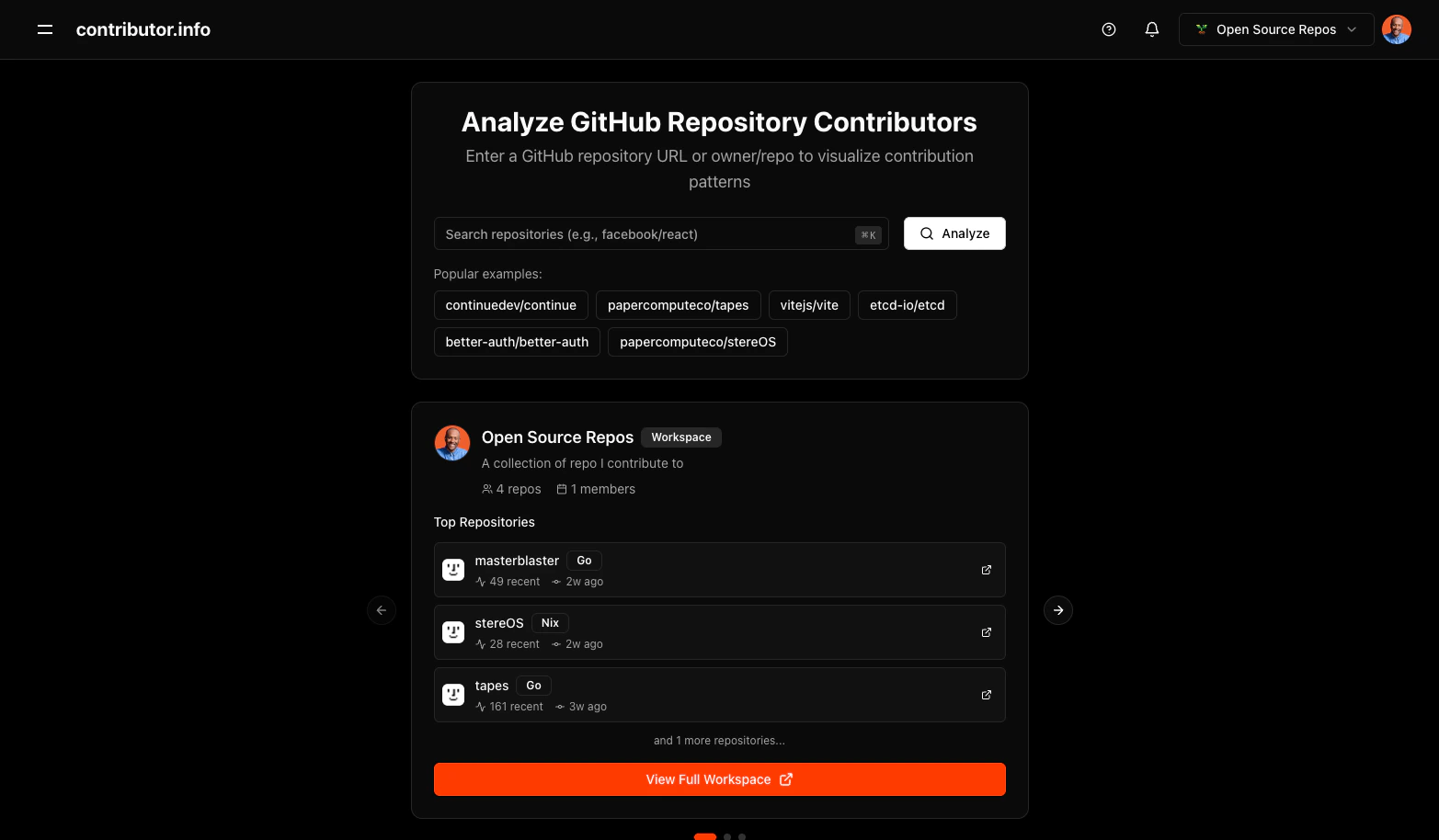
Search Methods
You can search using either format. Full GitHub URL:Usage Example
To analyze thevercel/next.js repository:
- Navigate to contributor.info
- Enter
vercel/next.jsorhttps://github.com/vercel/next.jsin the search bar - Press Enter or click Search
Features
- Auto-validation: Confirms the repository exists and is public before loading data
- 30-day analysis: Focuses on recent activity to reflect the current state of the project
- Multi-tab insights: Contributions, Health, and Distribution views in one place
- Smart caching: Subsequent loads pull from cache for instant results
- Featured repos: Quick-access links to popular open-source projects on the home page
Insights Available After Search
Once a repository loads, three views are available:- Contributions: Who is contributing, how often, and what type of work they do
- Health: Repository health signals including review coverage, bus factor, and response times
- Distribution: Breakdown of contribution volume by contributor and language
Best Practices
- Search public repositories only. Private repositories are not supported.
- Active projects with recent commit history produce the most complete results.
- Start with the Contributions tab to get an overview of contributor activity.
- Use the Health tab to identify risk signals such as single-contributor dependencies.
- The Distribution tab is useful for understanding language and effort patterns across contributors.